
n8n Date & Time Node

Table of Contents

The Date & Time node in n8n might look simple at first glance, but it’s one of the most versatile tools for managing, transforming, and comparing timestamps in your workflows. Whether you’re logging events, calculating time differences, or generating dynamic timestamps for API requests, understanding this node unlocks a ton of automation potential.

In this guide, we’ll break down all seven operations of the Date & Time node, show practical examples, and explore how it integrates with AI agents or Edit Set nodes to streamline complex automations.

Before we start, if you are looking for help with a n8n project, we are taking on customers. Head over to our n8n Automation Engineer page.


What the Date & Time Node Does

The Date & Time node handles any operation related to timestamps.

You can:

  • Generate new timestamps (e.g. “now”)

  • Modify existing ones

  • Format them for display

  • Extract specific parts (like the month or weekday)

  • Calculate differences between two dates

  • Round times for scheduling or reporting

It acts like your workflow’s built-in date calculator  no external scripts needed.

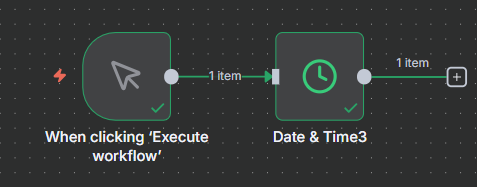
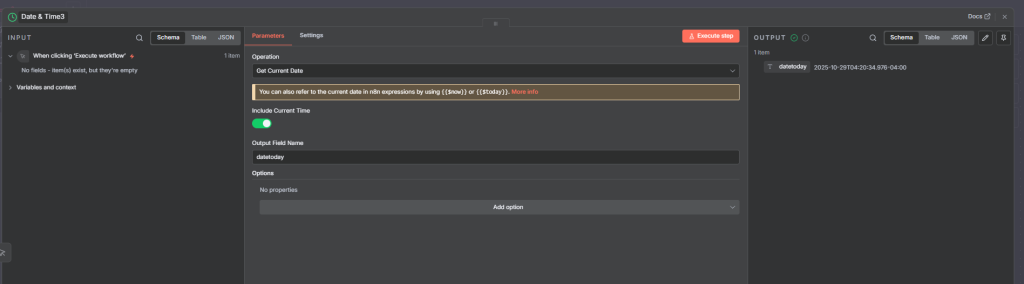
Example 1 - Get Current Date & Time

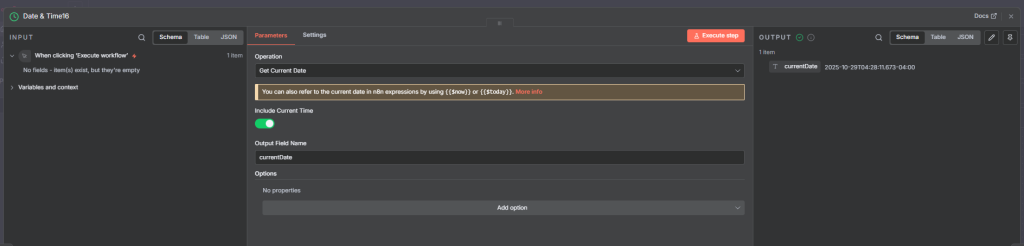
This is the simplest yet most used feature,  it creates a new timestamp at the moment the workflow runs.

Example use case:

  • You’re logging when an event occurred.

  • You’re adding a “createdAt” field to an entry in your database.

You can also specify:

  • Format: ISO, UNIX, or custom formats like YYYY-MM-DD HH:mm:ss

  • Timezone: Helpful when automating across global systems

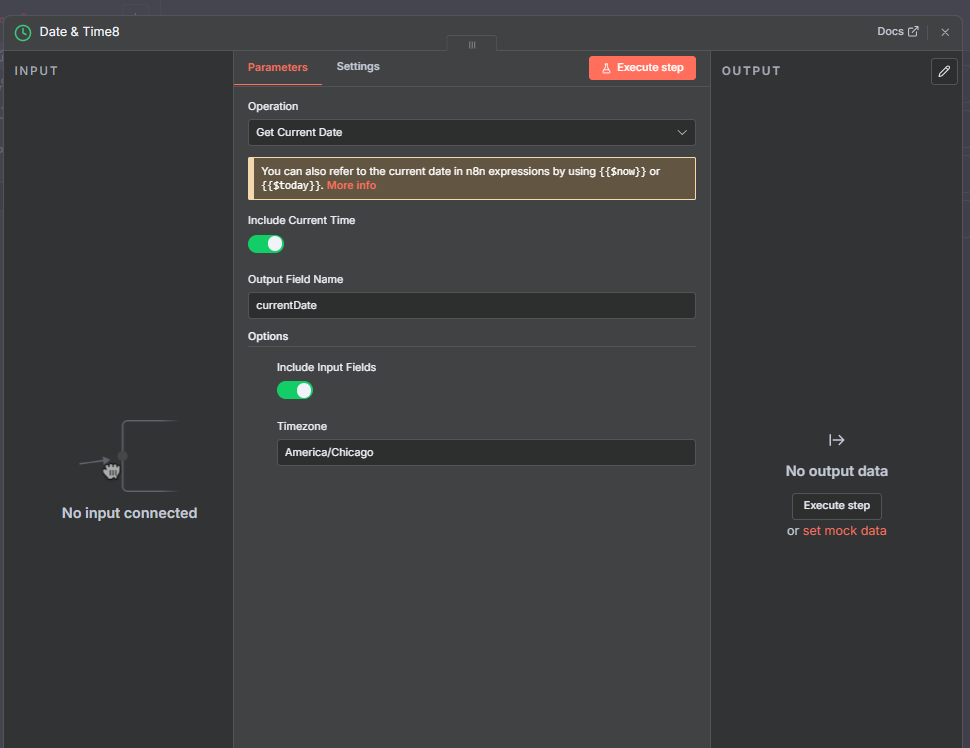
Example 2 - Add/Subtract Time

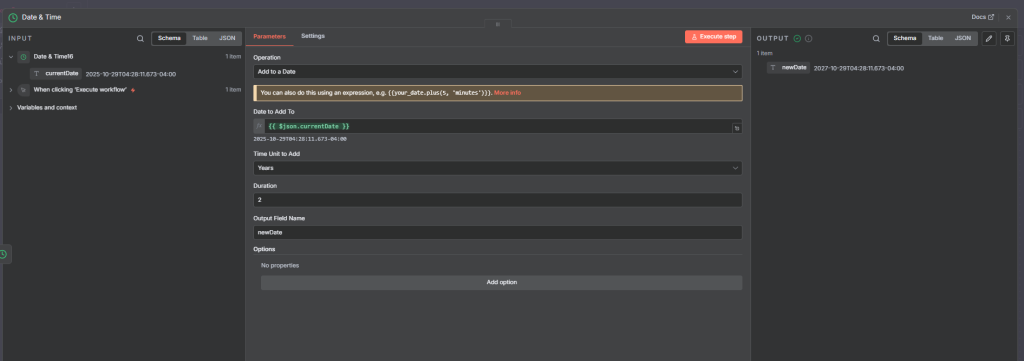
This operation modifies an existing timestamp by adding or subtracting specific time units (years, months, days, hours, etc.).

Example:
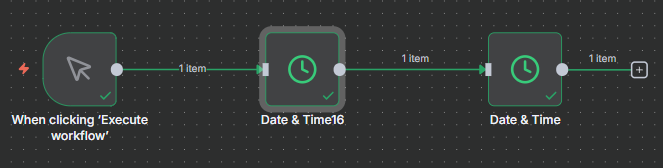
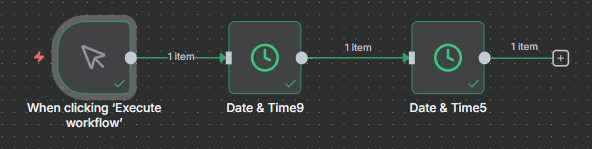
You want to calculate the date one year from now.

First node

second node

Example 3 - Format Date & Time

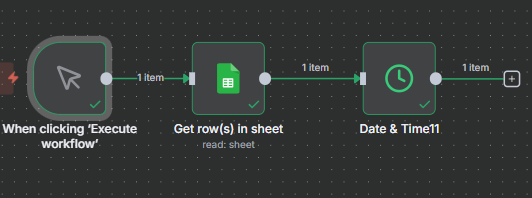
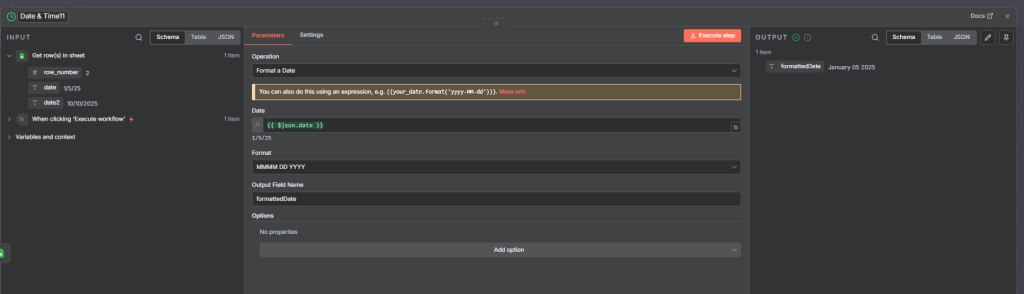
This is where you convert timestamps into readable formats for external systems or user-facing messages.

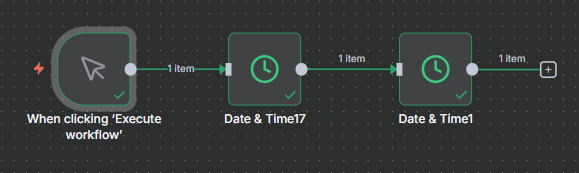
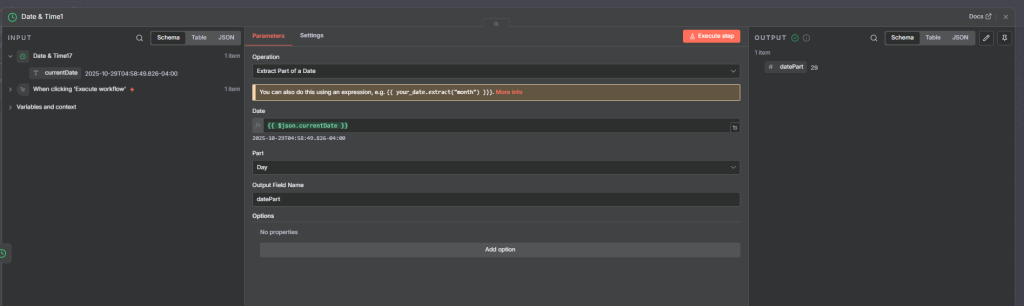
Example 4 - Extract Date & Time Part

Extract only what you need ,  maybe just the year, month, weekday, or hour.

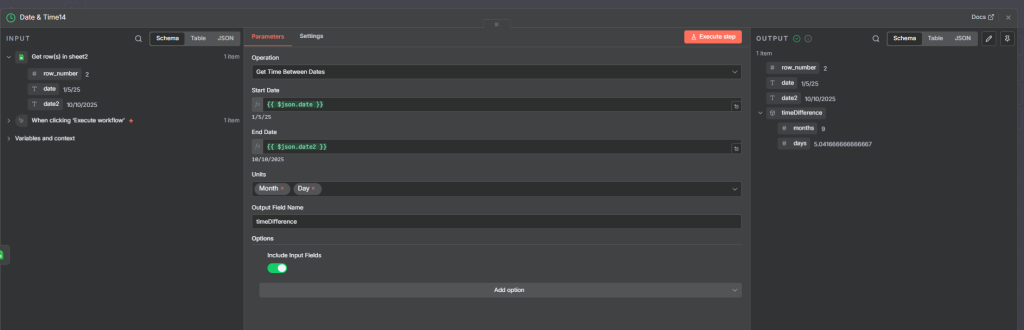
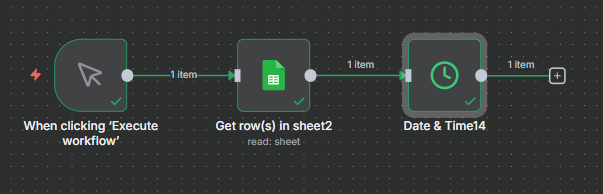
Example 5 -Get Time Between Dates

This operation calculates the difference between two timestamps , useful for analytics, reporting, or monitoring durations.

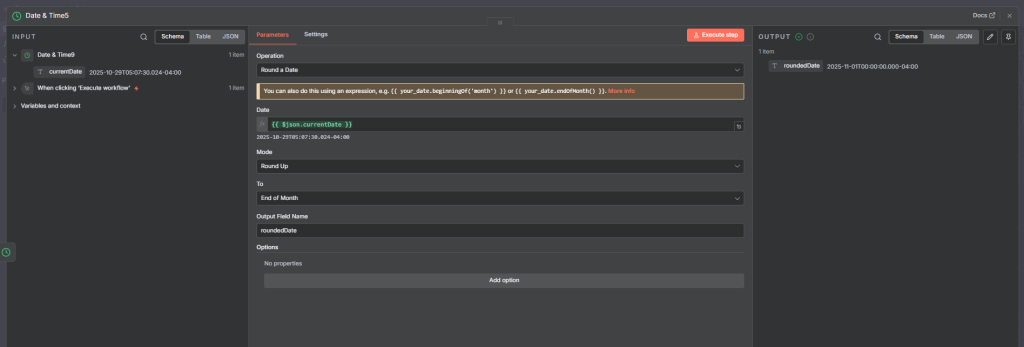
Example 6 - Round Date & Time

Rounds timestamps to the nearest unit — minute, hour, day, week, etc.

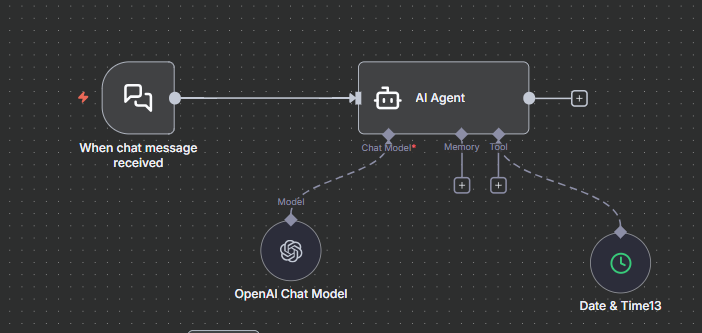
Example 7 - Advanced Integration: Using Date & Time with AI Agent Nodes

When paired with an AI Agent node, Date & Time data becomes extremely powerful.

For instance, you can:

  • Feed current timestamps to your AI for contextual replies (e.g., “What’s the weather tomorrow?”)

  • Calculate dynamic scheduling for content posting AI agents

  • Automate data labeling (e.g., “Mark as expired if older than 7 days”)


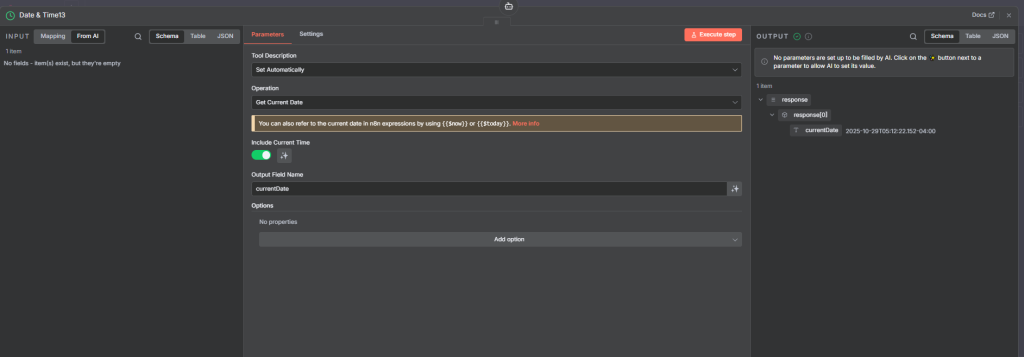
Here we just note the time a chat is responded to

Final thought

The Date & Time node is far more than a timestamp generator , it’s your automation clockwork.
With these seven operations, you can handle anything from scheduling and reminders to advanced analytics.

Key Takeaways:

  • Use “Get Current Date & Time” for workflow triggers and logs.

  • “Add/Subtract” for deadline or expiry automation.

  • “Format” and “Extract” for clean data outputs.

  • “Get Time Between” for insights and analytics.

  • Combine with AI Agents or Edit Set for smart, context-aware workflows.

If you’re building advanced automations, mastering this node will save you hours of manual work , and give your workflows a professional edge.


Thank you for reading this article. Make sure to check out our other n8n content on the website. If you need any help with n8n workflows we are taking on customers so reach out

Free Community

Join 1,000+ AI Automation Builders

Weekly tutorials, live calls & direct access to Ryan & Matt.

Join Free →

Keep Learning

n8n text classifier node

A text classifier is an automated system that categorizes text into predefined labels or classes based on its content. It’s a powerful...

n8n information extractor node

When working with incoming data, it’s often essential to extract meaningful, structured information for further analysis or automation. The Information Extractor node...

n8n sentiment analysis node

Sentiment analysis is one of the most practical applications of artificial intelligence and natural language processing (NLP). It allows us to automatically...

n8n human in the loop

If you're building larger n8n workflows, you've probably hit a point where letting AI run completely unchecked isn't an option. Maybe you're...