
This technique is highly effective for chatbots and problem-solving tasks. It also helps reduce hallucinations by incorporating a form of quality control.
The process involves:
- Starting with an initial prompt
- Getting the AI’s first response
- Sending a reflexion prompt asking the AI to review and reflect on its first answer
- Receiving an optimized response, improved through self-analysis
By applying this approach to a chatbot, the AI can evaluate its own mistakes, learn from them, and deliver better results over time.
Example:
Example 1 GPT Useage

Example 2 Langchain
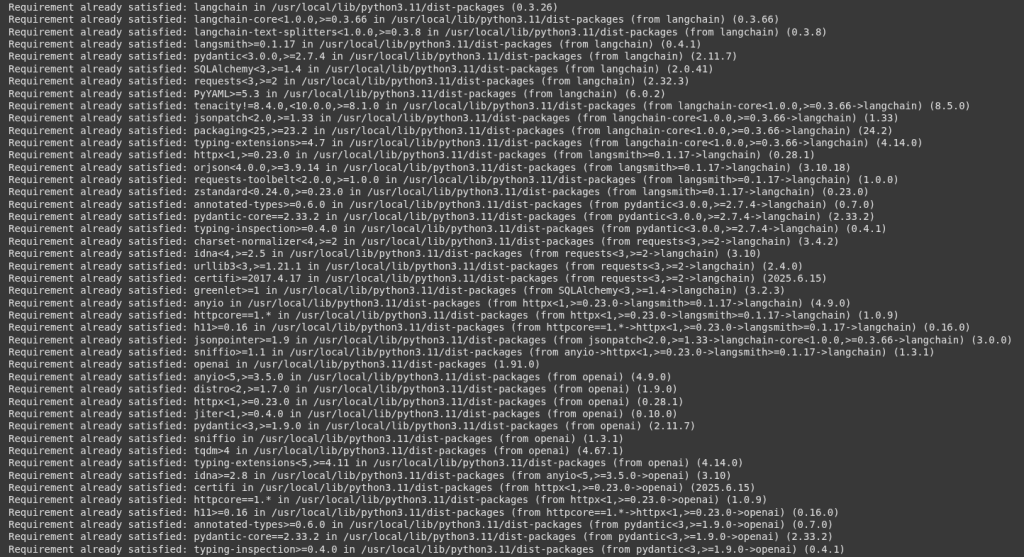
We install langchain, openai nd langchain_openai
					!pip install langchain
!pip install openai
!pip install langchain_openai
This code imports essential components from the lanchain and langchain_openai libraries to build a language model application.
OpenAI and ChatOpenAI interfaces to interact with OpenAi’s language models like GPT-4.S
PromptTemplate helps create and manage prompt templates to structure input sent to the model.
LLMChain is a langChain utility that connects a language model(LLM) with a prompt managing the flow of input and output.
					from langchain_openai import OpenAI
from langchain.prompts.prompt import PromptTemplate
from langchain_openai import ChatOpenAI
from langchain.chains import LLMChain
					import os
os.environ["OPENAI_API_KEY"] = "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"
Here we initialize a language model instance using OpenAi’s GPT-3.5 Turbo via LangChain.
llm = ChatOpenAI(model="gpt-3.5-turbo", temperature=0)
Next we define the prompt templates.
we use the PromptTemplate(), which is a utility that formats prompts dynamically.
					# Define the prompt templates
initial_prompt_template = PromptTemplate(
    input_variables=["prompt"],
    template="Prompt: {prompt}\nResponse:"
)
This creates a reflection prompt template used to encourage the AI to review and critique it’s own output.
					reflection_prompt_template = PromptTemplate(
    input_variables=["prompt", "response"],
    template="""
The following is a response given by an AI to a prompt:

Prompt: {prompt}

Response: {response}

Reflect on the quality of this response. What are its strengths? What are its weaknesses? How could it be improved?
"""
)
This defines a prompt template for generating an improved response based on feedback from a reflection.
					improved_response_prompt_template = PromptTemplate(
    input_variables=["prompt", "initial_response", "reflection"],
    template="""
The following is an improved response to the prompt based on the reflection provided.

Prompt: {prompt}

Initial Response: {initial_response}

Reflection: {reflection}

Now, provide an improved response to the prompt considering the reflection above.
"""
)
This sets up three langChain chains by combining propmt templates with the language model (llm).
The | operator (pipe) is used to chain the propmt template with the language model.
Each chain represents a distinct step in the process.
					# Create the chains
initial_chain = initial_prompt_template | llm
reflection_chain = reflection_prompt_template | llm
improved_response_chain = improved_response_prompt_template | llm
Here we have the user_prompt.
user_prompt = "Explain the theory of relativity in simple terms."
This line runs the initial propmt through the AI model to get the first response.
initial_response = initial_chain.invoke({"prompt": user_prompt})
This displays the label “Initial Response”, followed by the content of initial_response.
print("Initial Response:\n", initial_response)

This line runs the reflection step, where the AI reviews it’s initial response.
reflection = reflection_chain.invoke({"prompt": user_prompt, "response": initial_response})
print("\nReflection on the Response:\n", reflection)

This line generates the improved version of the AI’s response based on it’s self-relection
					improved_response = improved_response_chain.invoke({
    "prompt": user_prompt,
    "initial_response": initial_response,
    "reflection": reflection
})
print("\nImproved Response:\n", improved_response)

Solving Complex Problems
Understanding and Processing Language
Generating and Evaluating Code
Handling Creative Tasks
Working with Multimodal Inputs (text, images, etc.)
Correcting Errors and Ensuring Quality
